I recently have had the pleasure to use a TUXEDO Stellaris 16 - Gen 7 laptop.
The main reason I’m using this laptop is for the Linux support, which is superb.
Another reason is because it is just super cool! Literally!
One of its accessories is the Aquaris water cooler.
Let’s look at it under a thermal camera, for fun.
The Aquaris Unit
The Stellaris 16 is a Clevo laptop. It goes by a few names.
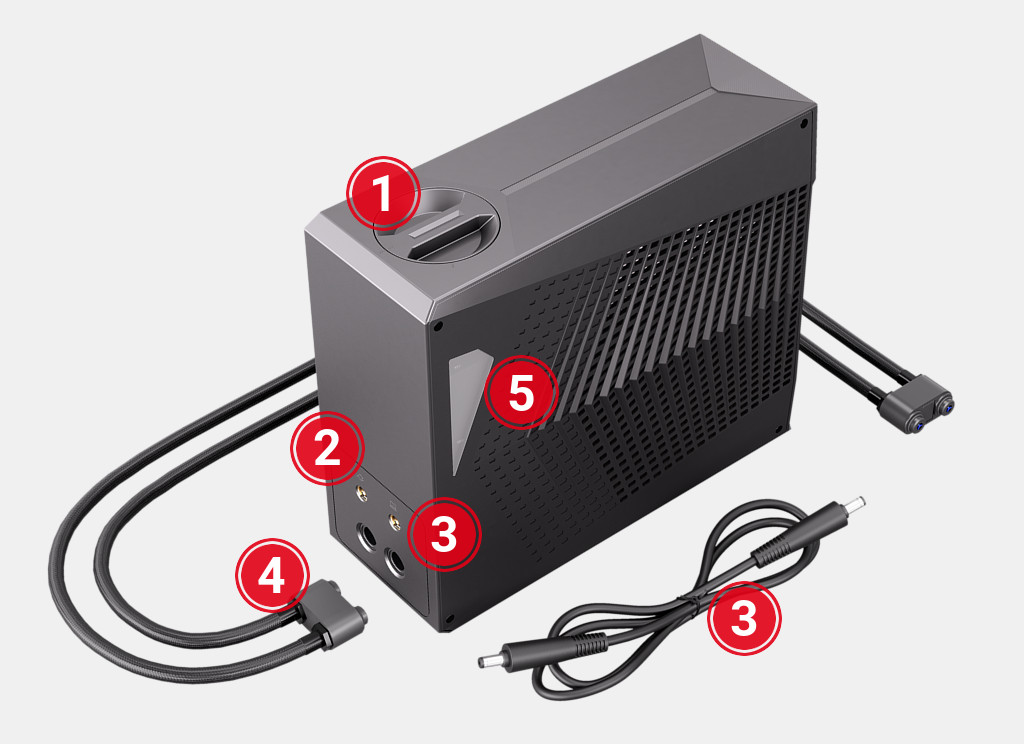
The Aquaris-branded accessory is a self-contained water loop that takes advantage of the existing heat pipes inside the laptop. The original manufacturer of this water cooler is XMG, under the name Oasis.
The connector is magnetic and very easy to setup.
It connects via Bluetooth and is easy to enable in Tuxedo’s Control Center.
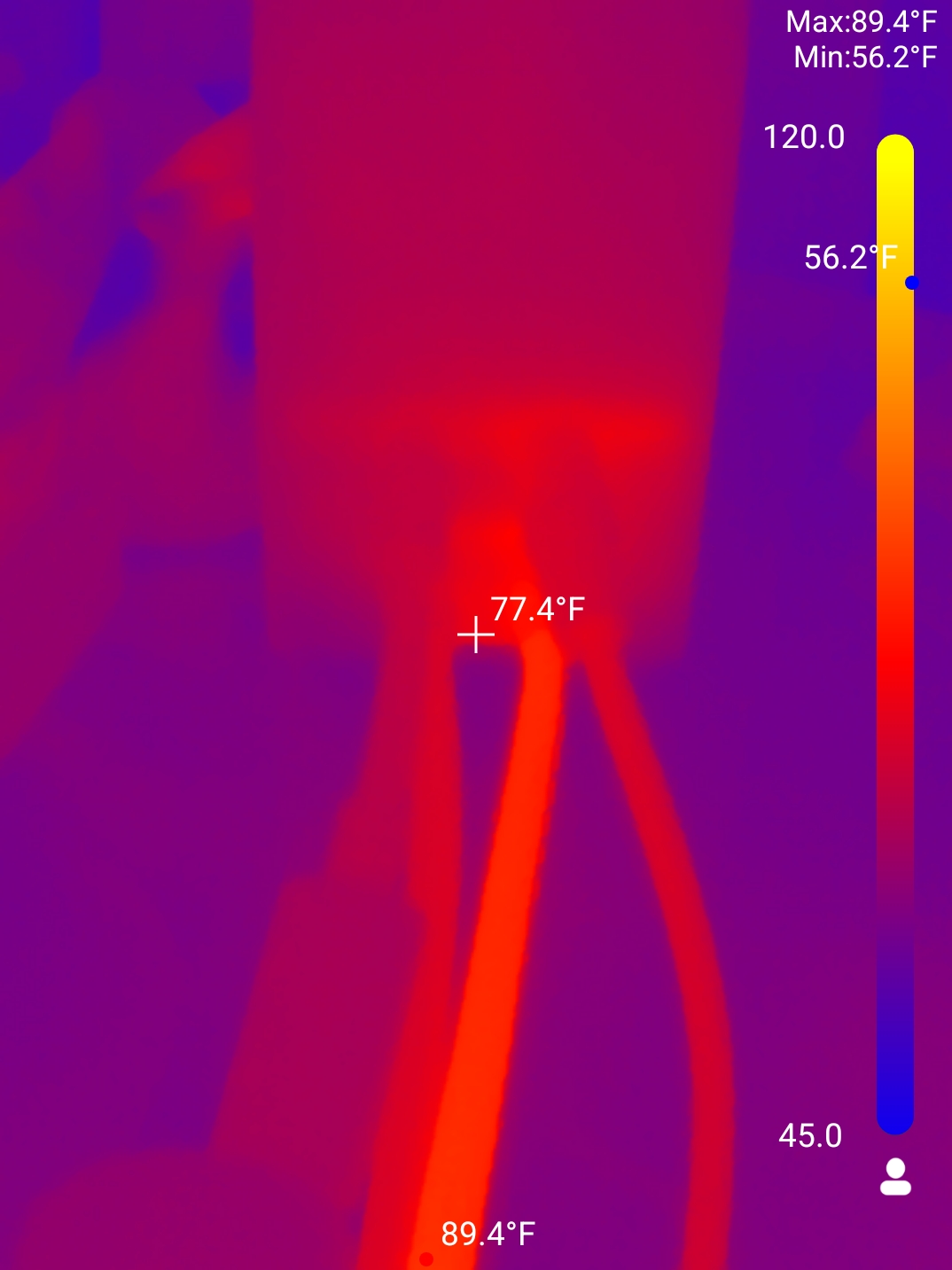
Once enabled, it starts pumping water. The onboard fans spin down naturally because of the decreased temperatures.
Performance On/Off
Here is a time-lapse of it with the Aquaris on:
And now off:
Honestly, it is a little anti-climactic!
All tests on this blog are using stress-ng and glmark2 to exercise the CPU and GPU to the fullest.
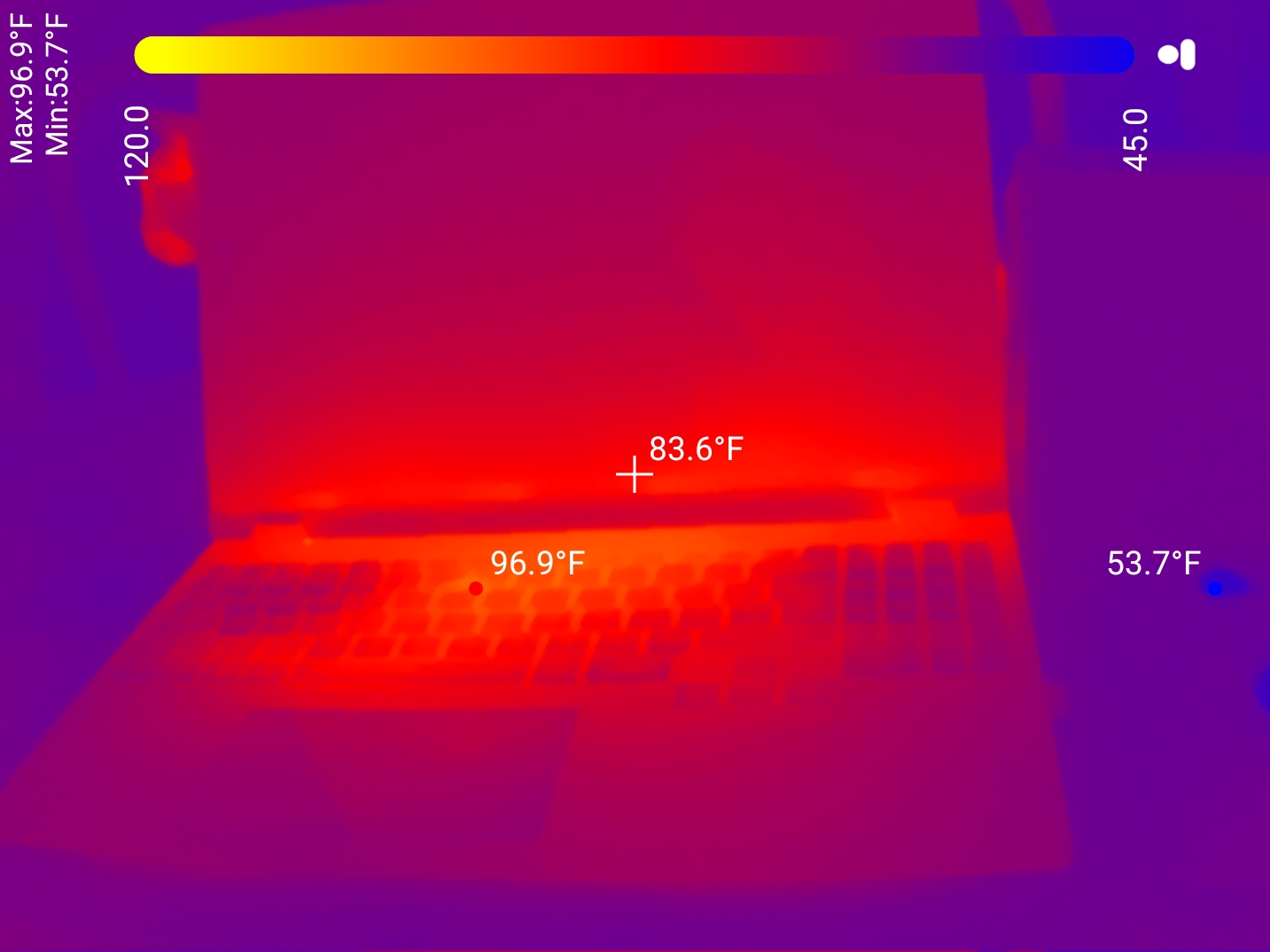
Combined power draw for both chips is 150W.
In the grand scheme of things, this isn’t that much heat to dissipate, the 120mm fan has no problem.
Here is a picture under max load with only the air fans, no watercooling, and a cat:
And here is a picture with the Aquaris fans at 10%, just to make it sweat:
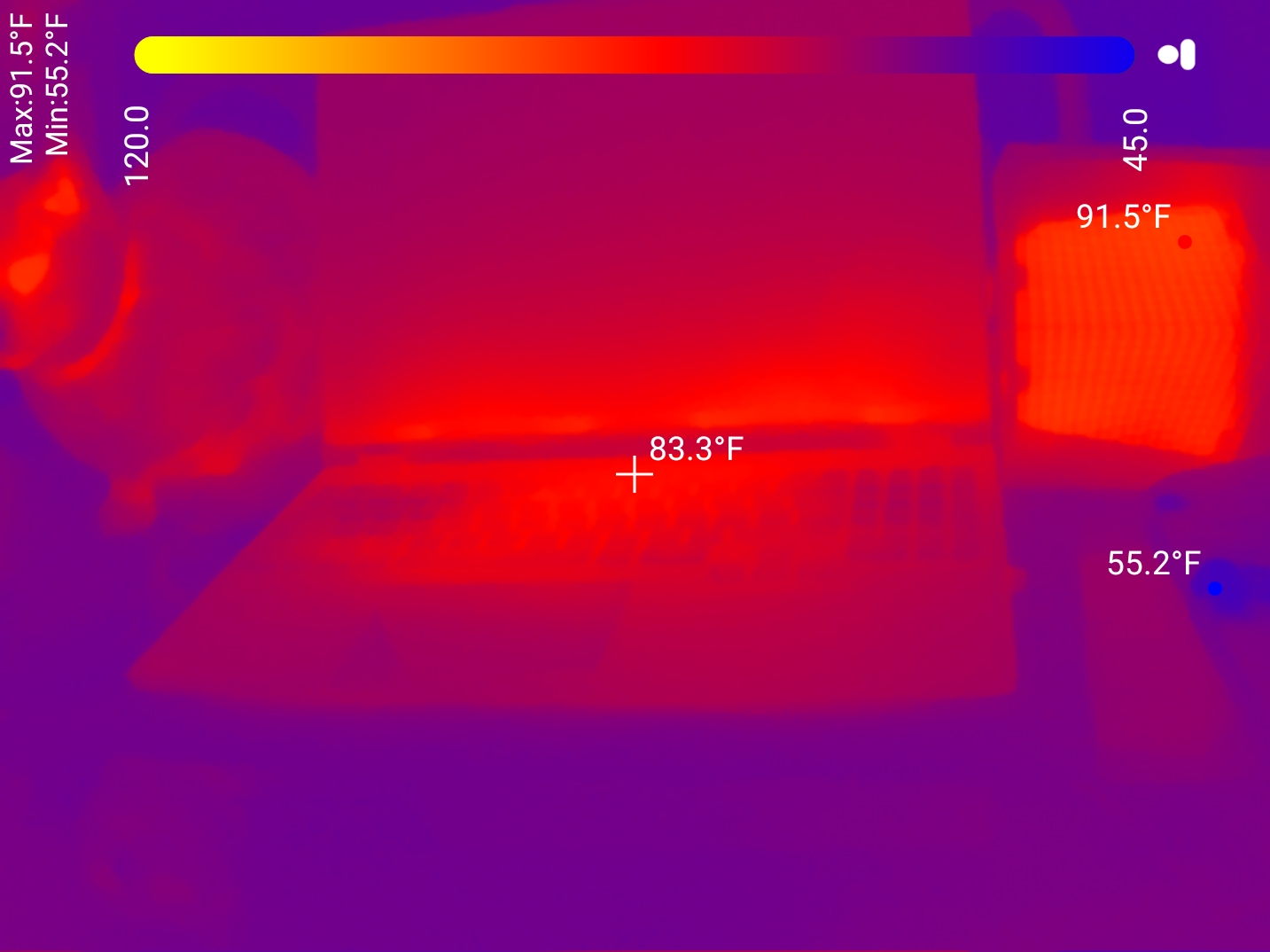
At normal fan speeds, it ends up at the same ~83F as the laptop, as expected.
Performance With The Lid Closed
Tuxedo recommends keeping the laptop open under heavy loads.
I understand why, and can see why they state: “TUXEDO Computers takes no liability due to damage clearly caused by improper operation with the notebook lid closed.”
But actually, how hot does it get?
This is the laptop under full load with the lid closed for a few minutes, then open to show the temps:
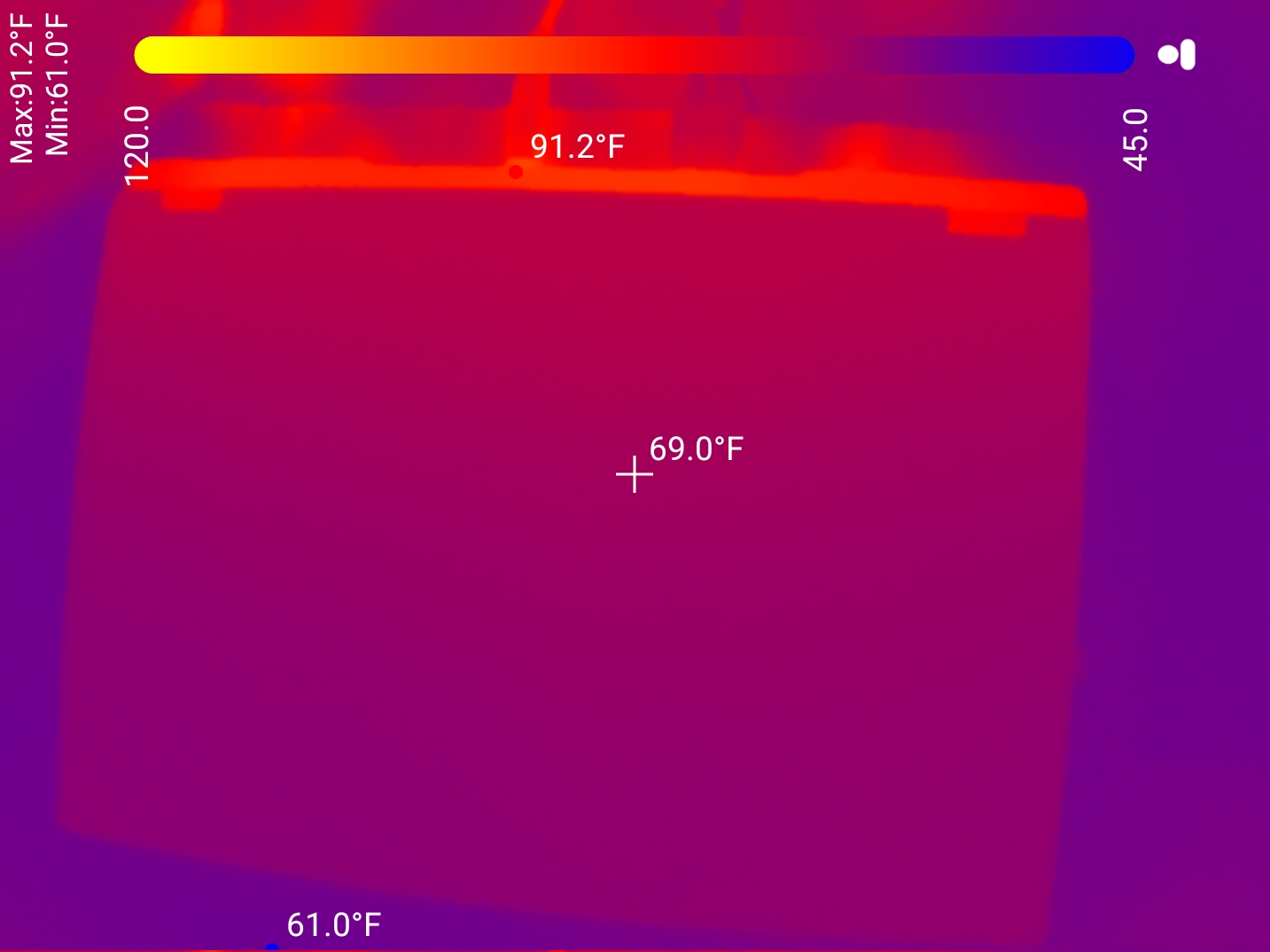
(notice the power cable is hot, but the water pipes are cool because they are NOT running)
And open to see the temps:
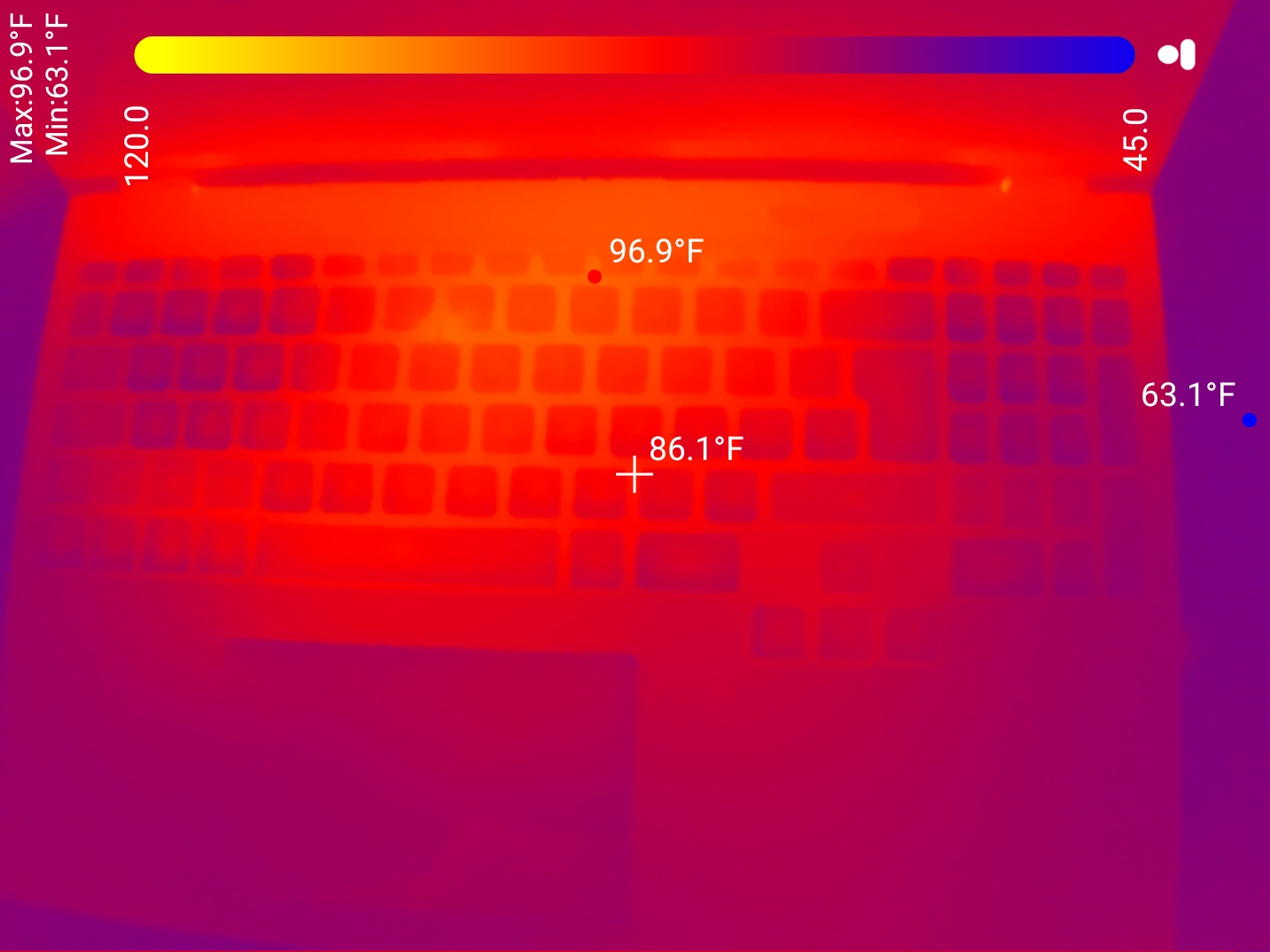
Yea, pretty hot.
Performance With The Lid Closed & Aquaris
But what about if the Aquaris is running?
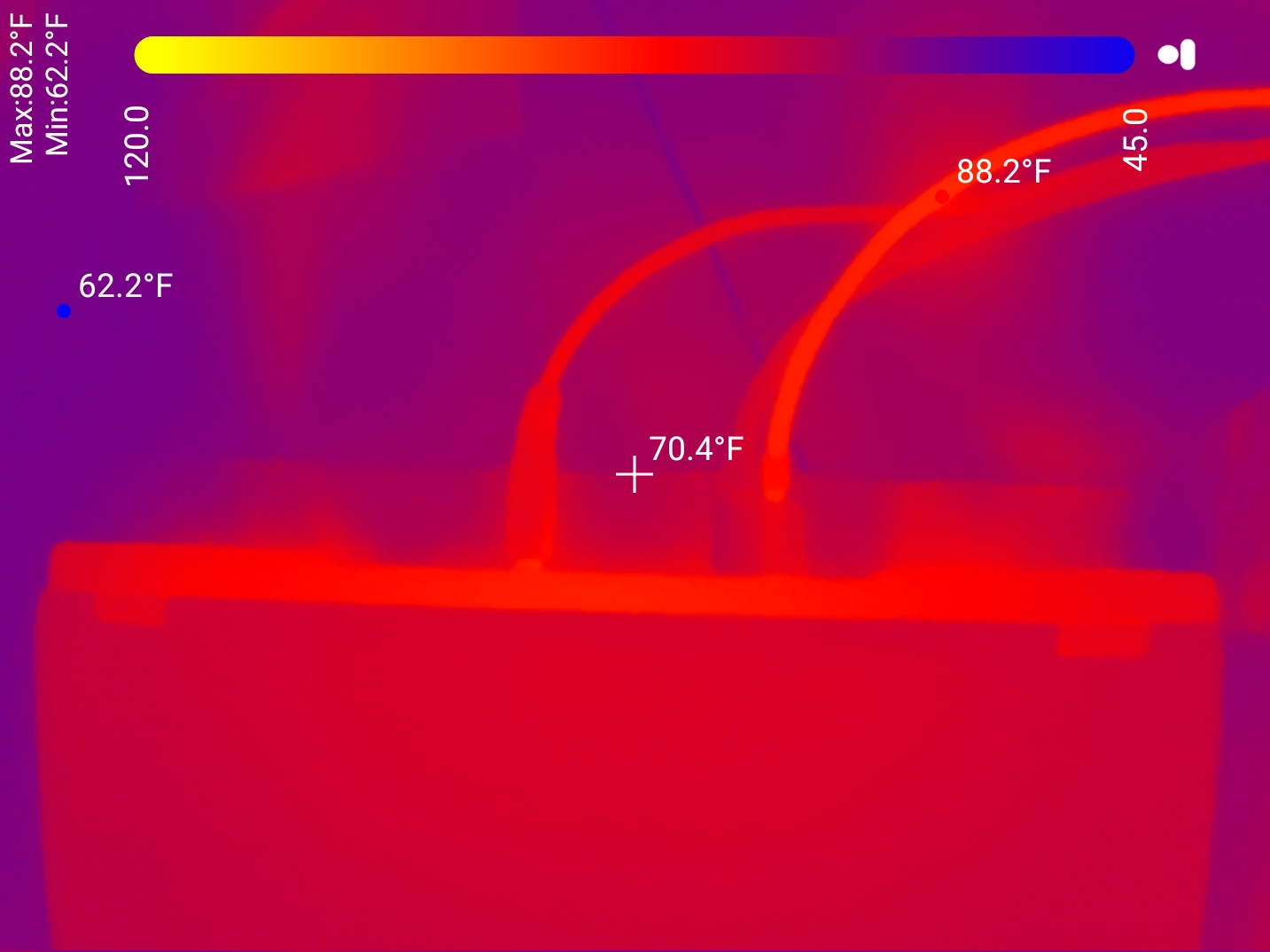
Notice the hot water pipe and the cooler return.
Here you can see the full setup:
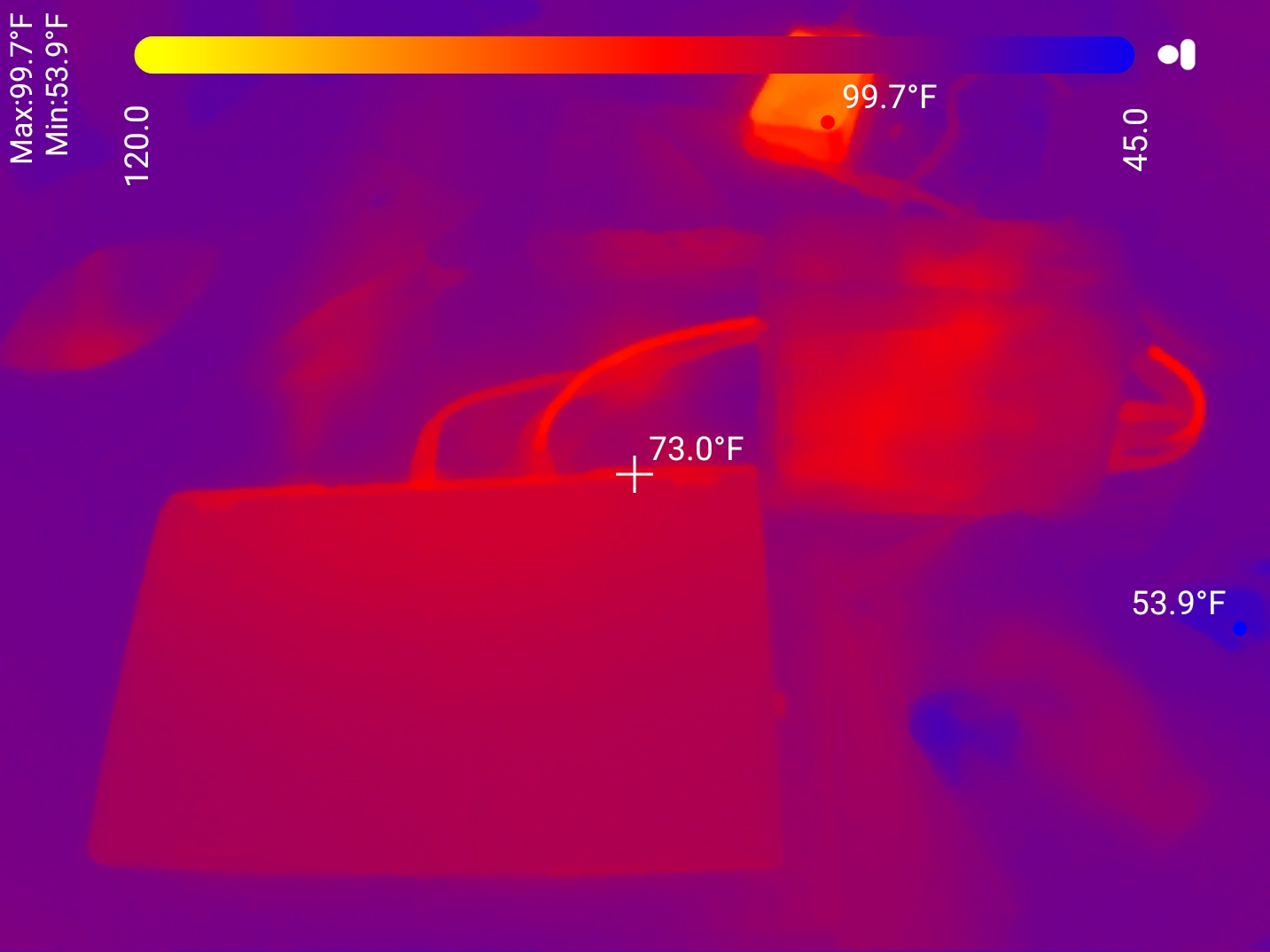
And opening the lid:
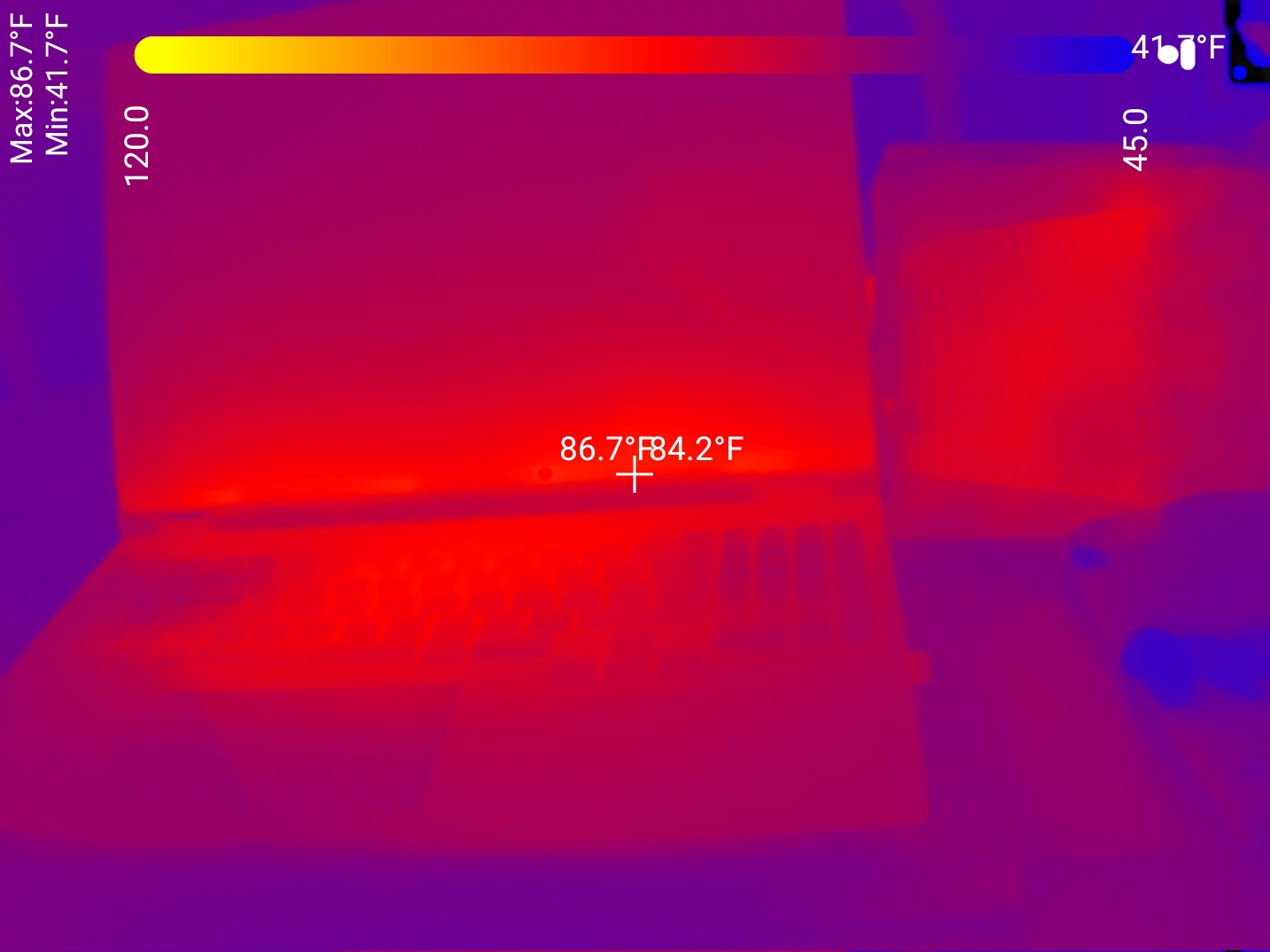
Much improved. I feel a lot better running this thing with the lid closed if the water cooler is on.
Conclusion
This thing is great!
The Aquaris is louder than the laptop by itself with the fans on very low.
But it is (much) quieter than the laptop if it was running the fans on high.
When you turn it on, it does dramatically lower the temperature of the CPU/GPU sensors. It works!
And of course, my favorite part is the fact that the control software is open source. If you want to make a quick python script to control it, no big deal.
Comment via email