An Eink Family Calendar
I had previously blogged about an Eink dashboard for tracking baby stuff.
I’ve since added a new display for our family calendar, and I would like to share some technical details about how it works.
An Eink Family Calendar
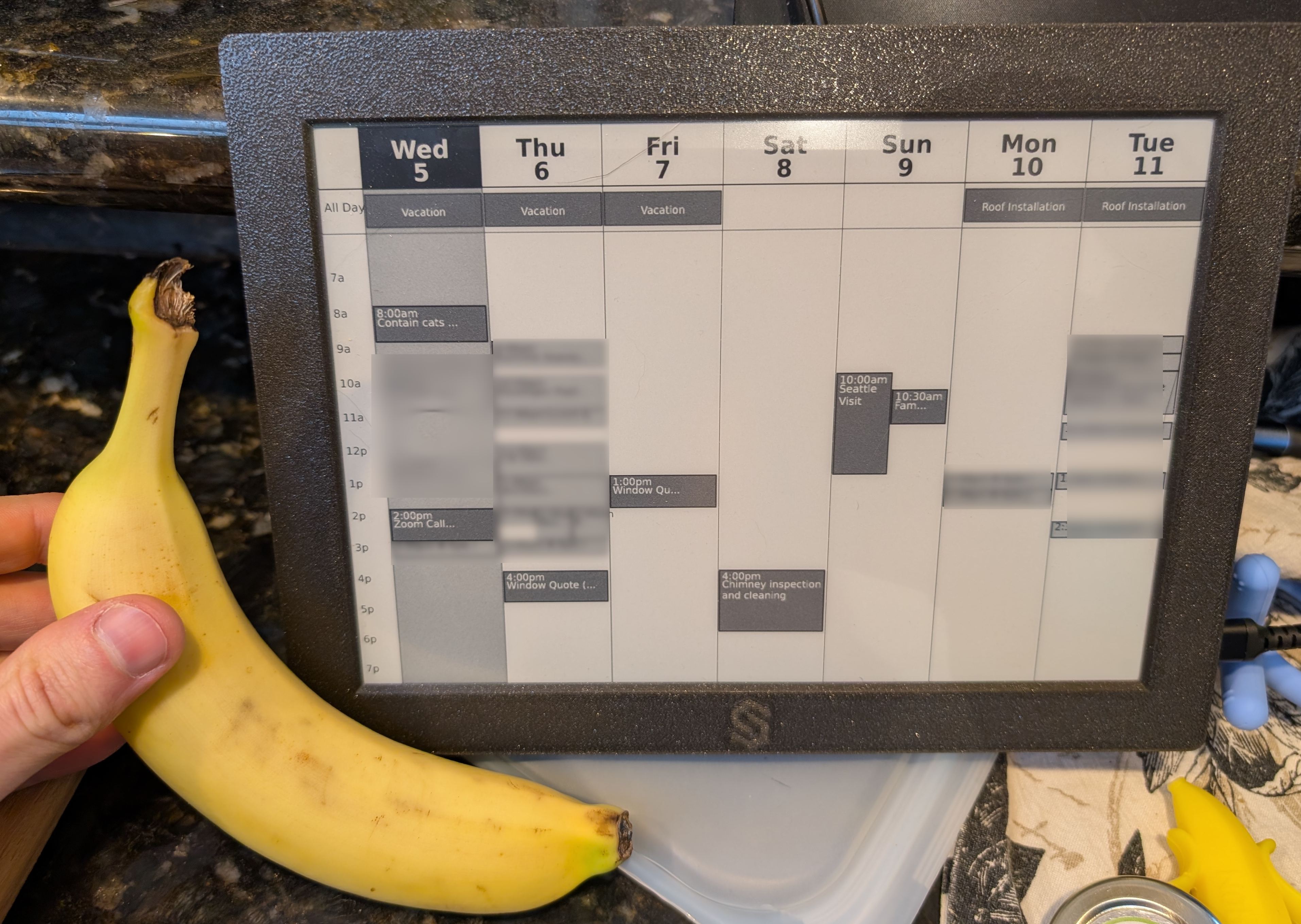
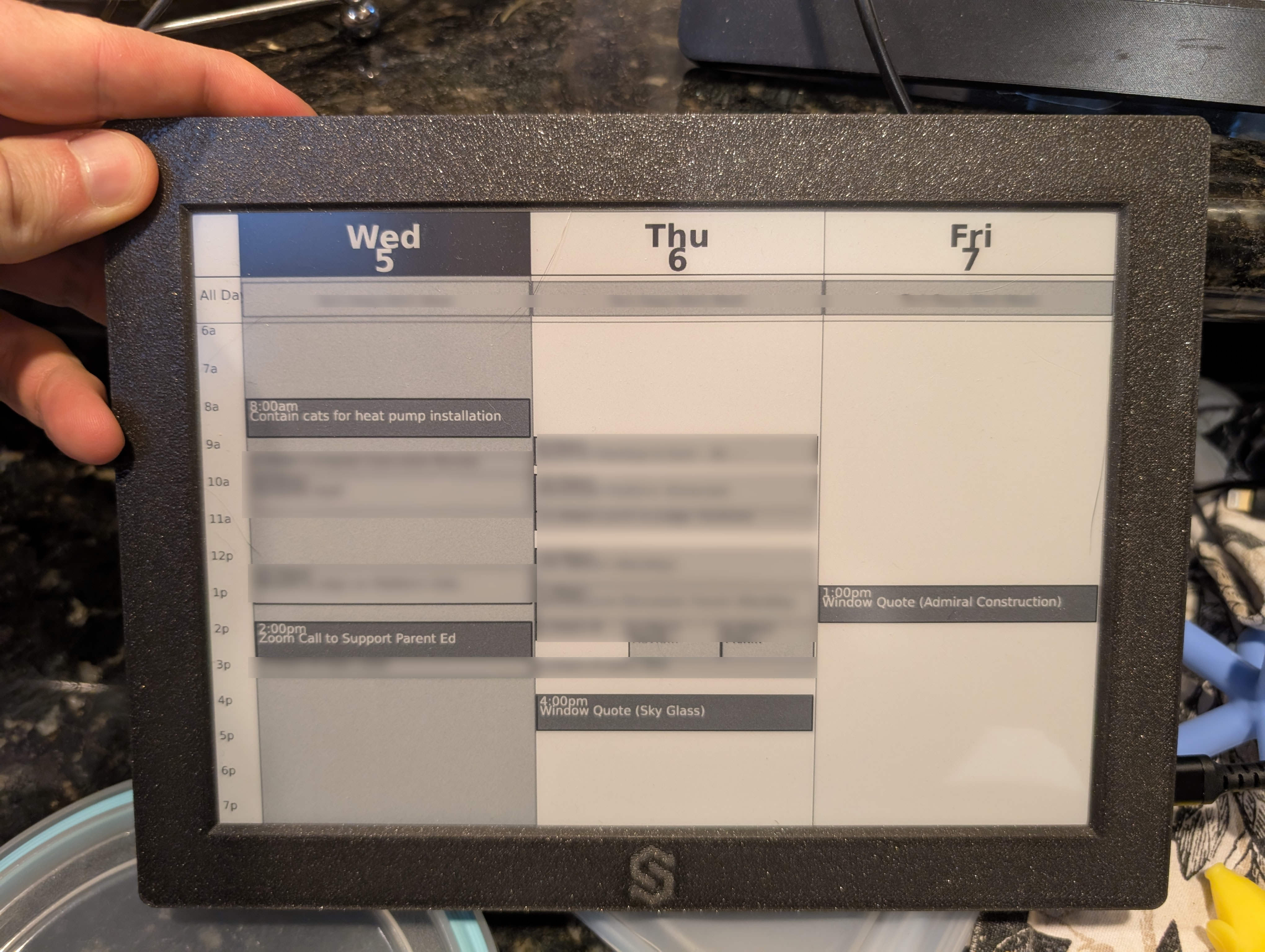
This uses an Inkplate 10 display. It is a 9.7-inch e-paper with an embedded ESP32 to control it.
You might think that this is powered with some sort of headless javascript thingy running in the cloud, or on some local kubernetes cluster in my house, or some other crazy infrastructure.
No. Kubernetes is not allowed in this house.
No, this calendar is powered by two moving parts:
- The ESP32 on the e-paper runs ESPHome and uses the online_image component to periodically fetch a PNG, display it, then sleep.
- A program fetches calendar events and outputs a PNG file to be served.
Well then you might think: you are cheating, you must have a server somewhere running some docker image or something creating these pngs, and a webserver, etc.
You are kinda right, but no, this is just a cron job that runs on my wifi router.
0 * * * * /opt/bin/einkcal.sh
It isn’t even a fancy router. It is an old consumer grade ASUS router I bought a decade ago. It runs Asuswrt-Merlin, which gives me access to some more tools like cron jobs.
The program is written in golang, which makes it easy to cross-compile and scp over. The code is available here.
The thing doesn’t even have authentication or talk to Google APIs at all!
Instead it fetches the “Secret address in iCal Format” that Google calendar provides. This is a good old industry standard plain text format (ICS).
For actually rendering the PNG, I used the gg library for drawing fonts, boxes, and lines.
Because this is deployed on my router, I use the embed module to keep the binary 100% self-contained.
And it is a cron job. There is no reason for it to be long-running, calendar events just don’t change that often. It doesn’t have a webserver, because my router is already running a webserver? Just putting it in the right place in /tmp/ + symlink allows me to KISS.
Bonus: Auto Roomba Calendar Events
Another interesting integration I have built in is automatic roomba events.
All I have to do is include the word roomba in a calendar event, and when it comes up, this code will start the Roombas while we are away!
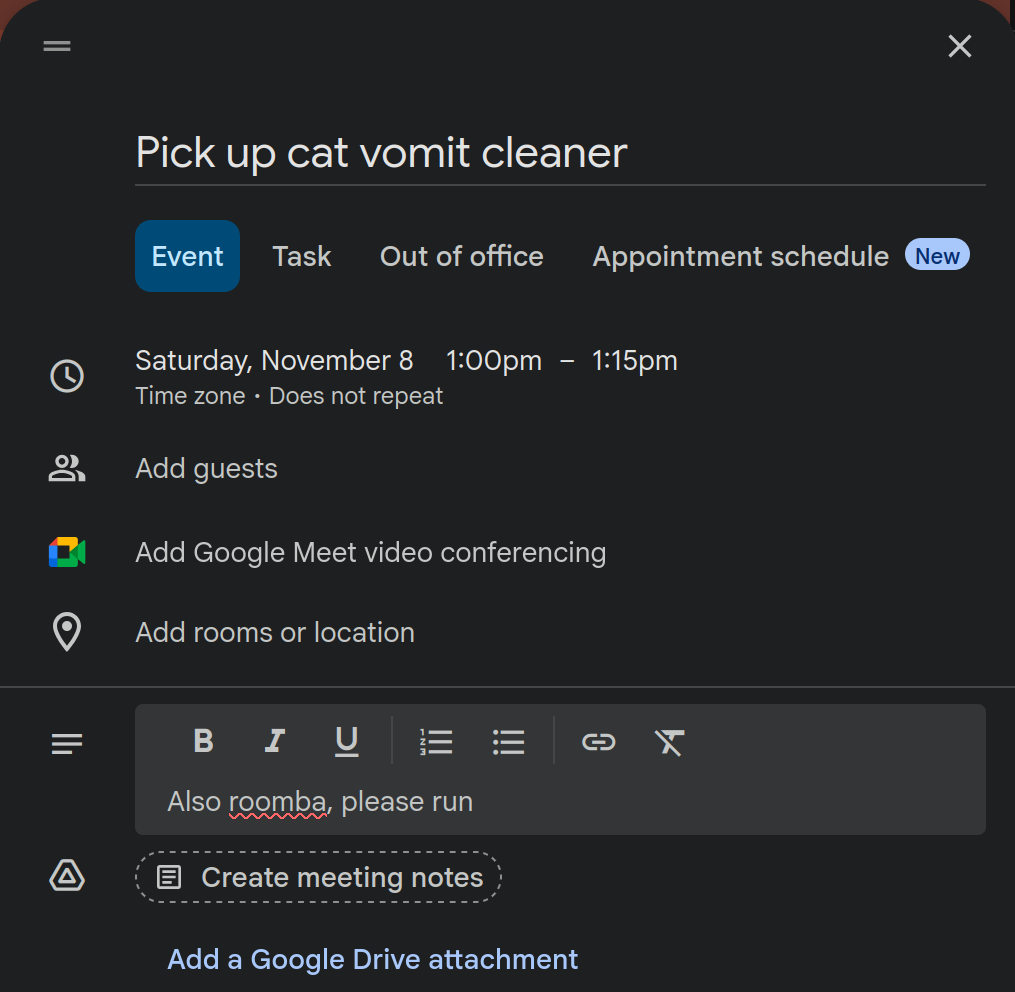
The “normal” way you would do this is with an If This Then That (IFTTT) integration.
This requires you running TWO apps on your phone, and you need an IFTTT account, and you need to give IFTTT full GPS access.
I don’t want any of this crap. I don’t want “the cloud” to be involved at all!
Instead I used my existing Roomba Bridge ESPHome component, so that the Roombas will respond to local MQTT messages. The calendar code publishes only to MQTT, the bridge component knows how to actually talk to the Roombas and start them.
You could probably guess that the MQTT broker is also running on my router.
It is running mosquitto, currently using 1.2MB of ram.
It’s nothing.
Wouldn’t it be cool if MQTT was a standard service provided by all consumer wifi routers???
Conclusion
I love these eink/e-paper displays. I also love building things that DON’T require “the cloud” or any kind of Rube-Goldberg internet machine.
I really wish that a local MQTT was a universally available service provided to all LANs, like NTP, DHCP, or DNS. It could even be advertised as part of the DHCP Options.
Perhaps with such a building block, we wouldn’t have such a crazy internet of shit.
Comment via email